



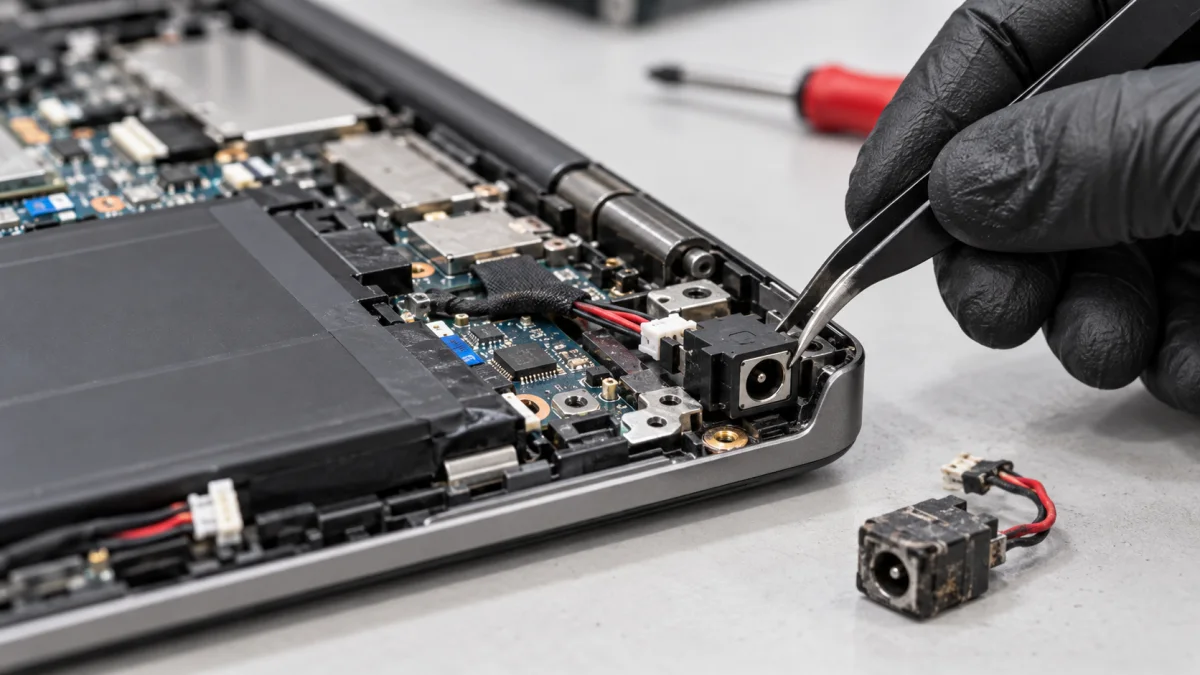
What you can safely check
Inspect the cable and plug externally only and note the indicators. Say whether the issue is constant or occasional; do not reproduce it by wiggling the plug.
Do not hold the plug at an angle, try random adapters or disassemble the laptop. If the connection heats up, smells or has a damaged cable, stop using it and contact us.
How we can help
We test the charger, connector and electrical connection to the board. Depending on the model, the jack may be cable-mounted or soldered; the correct part and access are established after inspection.
If the battery or circuitry is responsible, we explain it rather than replace an unnecessary connector. After the agreed replacement, we check mounting, power and charging.
Price and what the service includes
The displayed price is labour for access and replacement. The connector and any board repair are quoted separately. For USB-C charging, send the exact model first: not every charging issue is a separate jack replacement.
What to send or bring
Send the model and a power-input photo if damage is visible without disassembly. Say when power cuts out and whether there was an impact. Bring the charger you use for testing.
How we handle it
-
01
Clarify symptoms and test the charger.
-
02
Inspect the connector and board connection.
-
03
Explain the required part and labour before replacement.
-
04
Check power, charging and mounting.
FAQ
Does intermittent charging prove a broken connector?
No. The cable, charger, battery or board may be responsible. We investigate first.
Is the connector included in the replacement price?
No. The listed operation covers labour. The compatible connector and other necessary work are quoted separately.
Can I hold the cable at an angle while it charges?
Do not use pressure or wiggling as a temporary solution. Stop using the unstable connection and contact us for inspection.