



What you can safely check
Note lights, fans, a startup logo and any message. Check external connections only and use the charger intended for the model.
Do not disassemble the laptop or try random chargers. After a spill, swelling, burning smell or excessive heat, stop using it and contact us.
How we can help
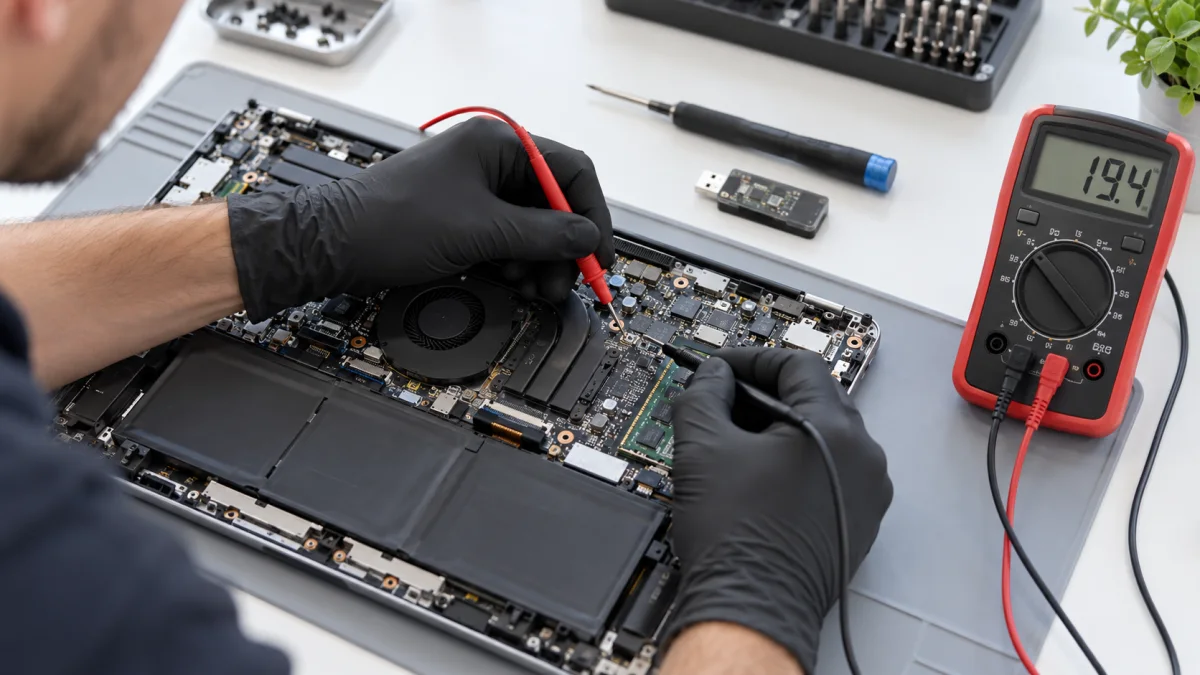
Depending on the symptoms, we check power and charging, main components, the screen, cooling or software. Failure to charge, for example, does not prove a failed battery.
We explain findings, repair or replacement options and the price before further work. If the issue is intermittent, knowing when it appears helps us reproduce it.
Price and what the service includes
Options distinguish a laptop that starts and displays an image from one with no startup or image. Repair, parts, data handling and software operations are separate from diagnostics.
What to send or bring
Send the exact model and the sequence from starting to the fault. Mention impact, liquid or previous work. Bring the charger you use and identify important files before discussing drive work.
How we handle it
-
01
Record the symptoms and laptop history.
-
02
Inspect the relevant hardware or software areas.
-
03
Explain the cause and priced options.
-
04
Start additional work only after agreeing it with you.
FAQ
Should I order a battery if it will not charge?
Not from that symptom alone. The charger, connector, battery or electronics may be responsible. We check before recommending a part.
Why do you need the charger?
It forms part of the power and charging checks and helps reproduce the conditions in which the problem occurs.
Can everything be diagnosed from a photo?
A photo or video helps us advise you, but an internal fault often needs measurements and inspection. A chat-based guess will not be presented as a confirmed diagnosis.