



- X
- 0.00
- Y
- 0.00
- Deadzone
- 0.08
- Drift
- —
- Status
- Waiting
- Coverage
- 0%
Additional checks · USB
Touchpad and sensors require USB and WebHID permission. Unavailable features are not defects.
DualSense quick test
Move the sticks and press the buttons.
Waiting for controller
Press a button on the connected DualSense
Gamepad API
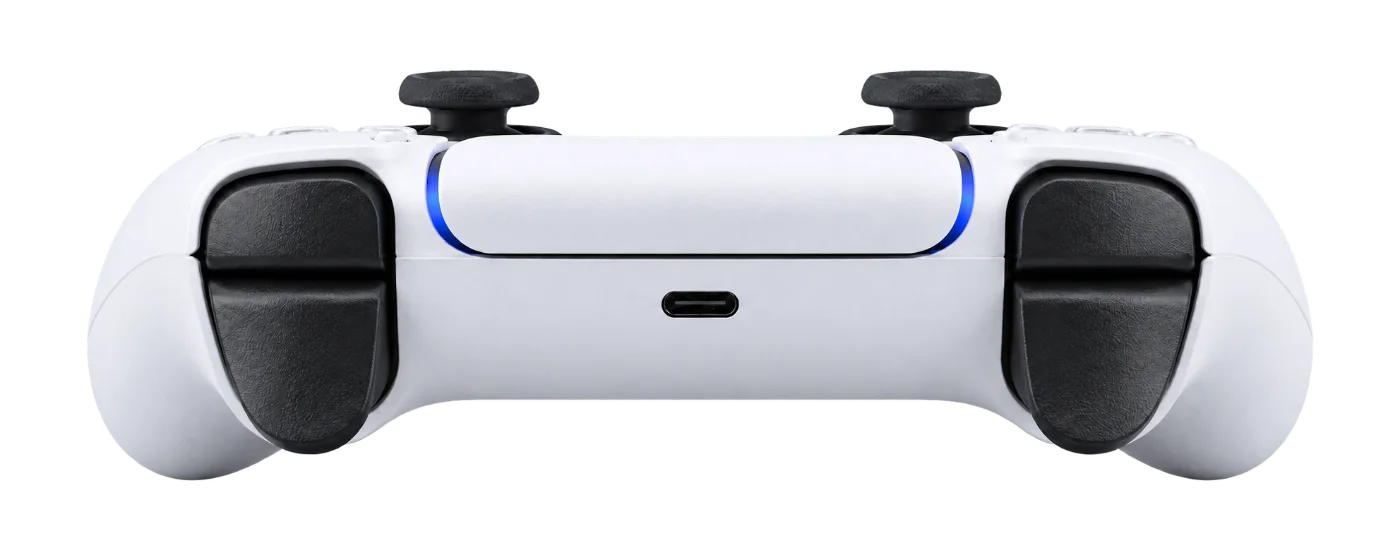 L1
L2
R1
R2
L1
L2
R1
R2
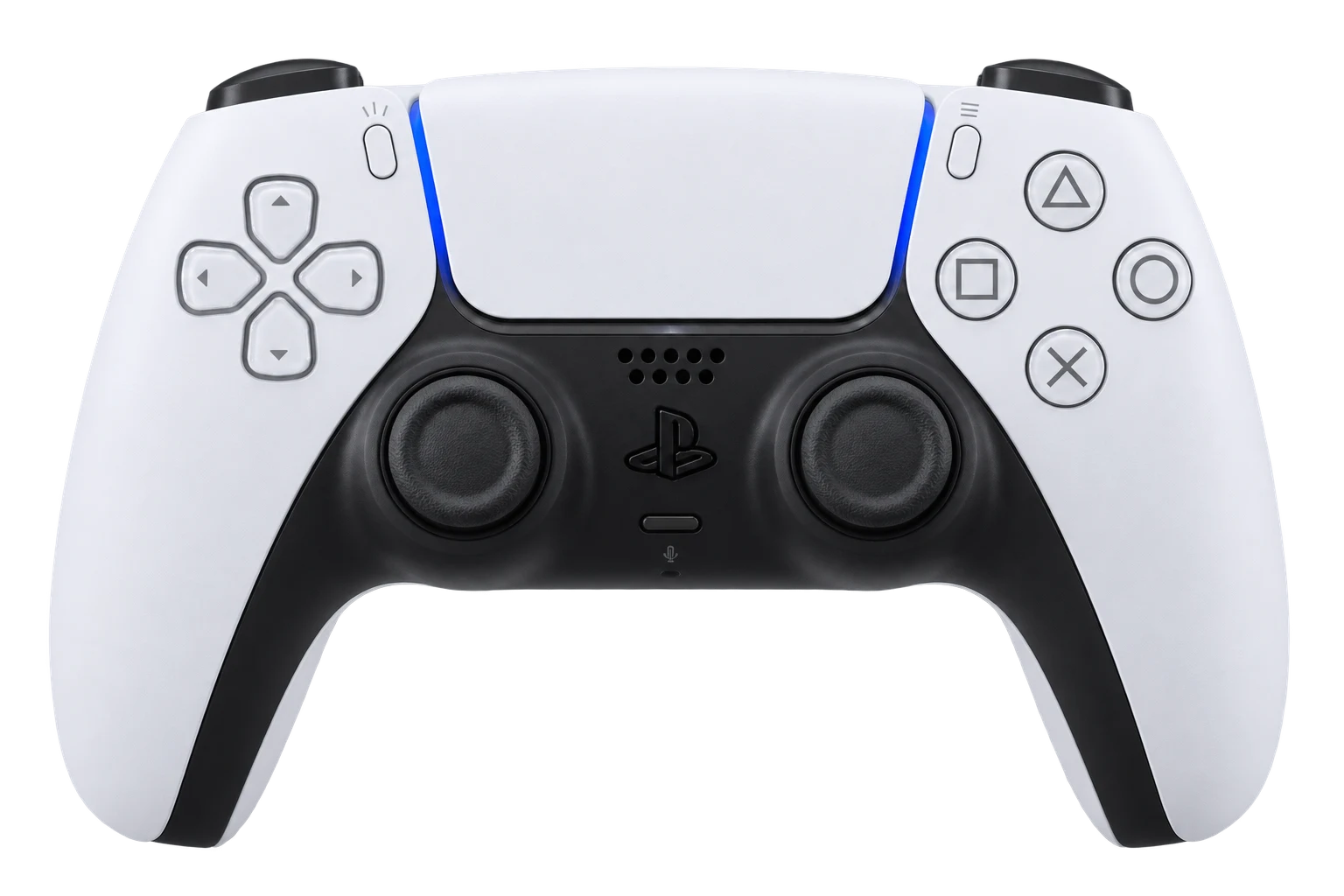
Sticks
- X
- 0.00
- Y
- 0.00
- Deadzone
- 0.08
- Drift
- —
- Status
- Waiting
- Coverage
- 0%
L2 pressure
Maximum in test
R2 pressure
Maximum in test
Vibration test
Check the controller haptic feedback.
Test result
Not started
Your stick and button test summary will appear here.
Learn about Stick Drift repairTechnical data
Controller information
Advanced diagnostics
Model, firmware, battery, USB stability, touchpad and motion sensors. This mode is read-only and does not modify the controller. For accurate results, keep only the controller being tested connected.
Not connected
Test completeness
Every input exposed by the browser.
- Tested buttons
- L2 / R2 peaks
- 0% / 0%
- Stick coverage
- 0% / 0%
- Circularity
- —
USB stability
Move the cable gently for 5 seconds while interruptions are monitored.
- Input reports
- 0
- Frequency
- —
- Largest pause
- —
- Status
- Not started
Touchpad
Movement, two fingers and physical click.
Movement
Two fingers
Click
Motion sensors
Gyroscope and accelerometer on X/Y/Z.
X
Y
Z
X
Y
Z
Waiting for WebHID data
Useful information:
Works with genuine DualSense controllers. Connect by USB cable or Bluetooth. All values are displayed in real time in the browser. If the test detects a persistent offset, see PS5 DualSense Stick Drift repair in Varna.