



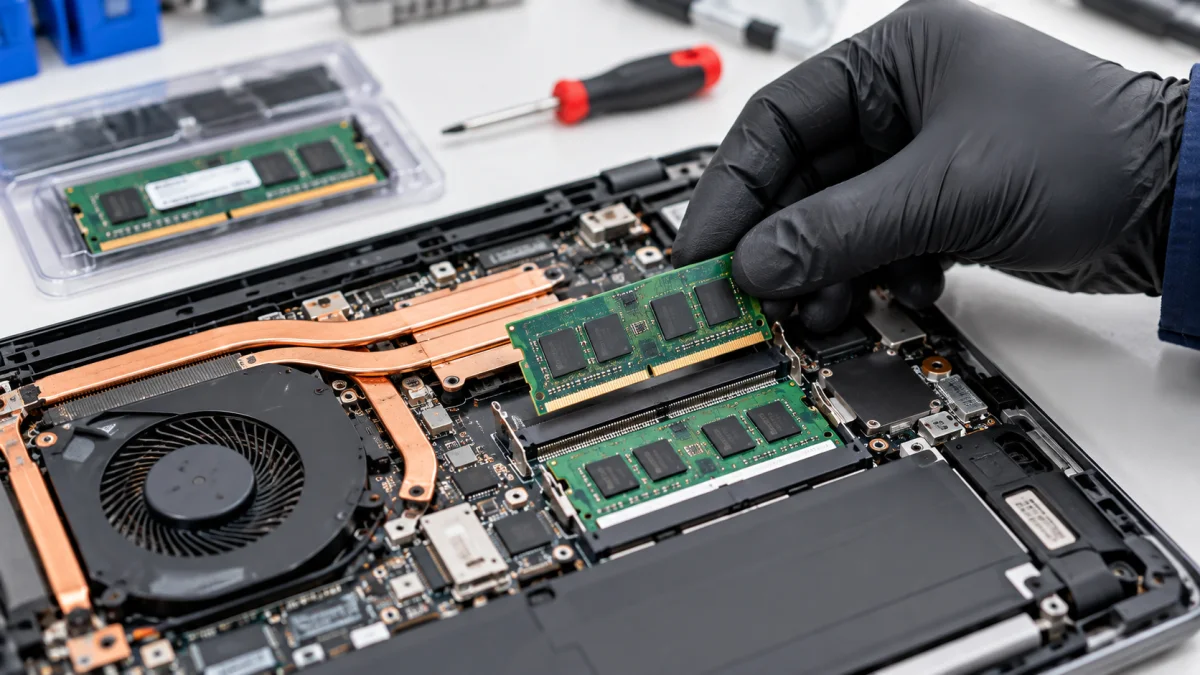
First check what the model supports
Send the full model, current specifications if known and what you want to improve. Do not open the case just for a photo: memory and other elements are not replaceable modules in every model.
If you want to solve slowdowns or errors, describe the behaviour. More RAM or a new SSD does not automatically fix every hardware or software fault.
How we can help
We check compatibility, available slots and access. We clarify whether the operation can be done without case disassembly or requires opening.
After installation, we check recognition and operation. If the drive is involved, Windows, file copying or system migration are discussed separately.
Price and what the service includes
Prices cover labour with or without disassembly. RAM, SSDs and other parts are quoted separately. Keyboards, batteries, screens, power connectors and board repair have their own services.
What to send or bring
Tell us the model, tasks and whether you already have a part. For an SSD, identify important files and whether you want a clean installation or your existing working environment retained. Bring the charger and component accessories.
How we handle it
-
01
Clarify the model and purpose of replacement.
-
02
Check compatibility, access and labour.
-
03
Install the agreed component.
-
04
Check recognition and operation.
FAQ
Can every laptop have more RAM?
No. It depends on the model, free slots and whether memory is soldered. We check before purchase.
What does the no-disassembly option mean?
It applies to an accessible part that does not require case disassembly. The construction, not just the part type, determines the option.
Is transferring files to an SSD included?
Not automatically. Installing a part and working on files or Windows are different tasks agreed in advance.