



Tell us what you use, not just how much RAM you want
Send the model, current memory if known and main applications. A system-information screenshot is enough to start; there is no need to open the device.
Slowness does not prove insufficient RAM. Errors, freezing or a slow drive may need diagnostics rather than another module.
How we can help
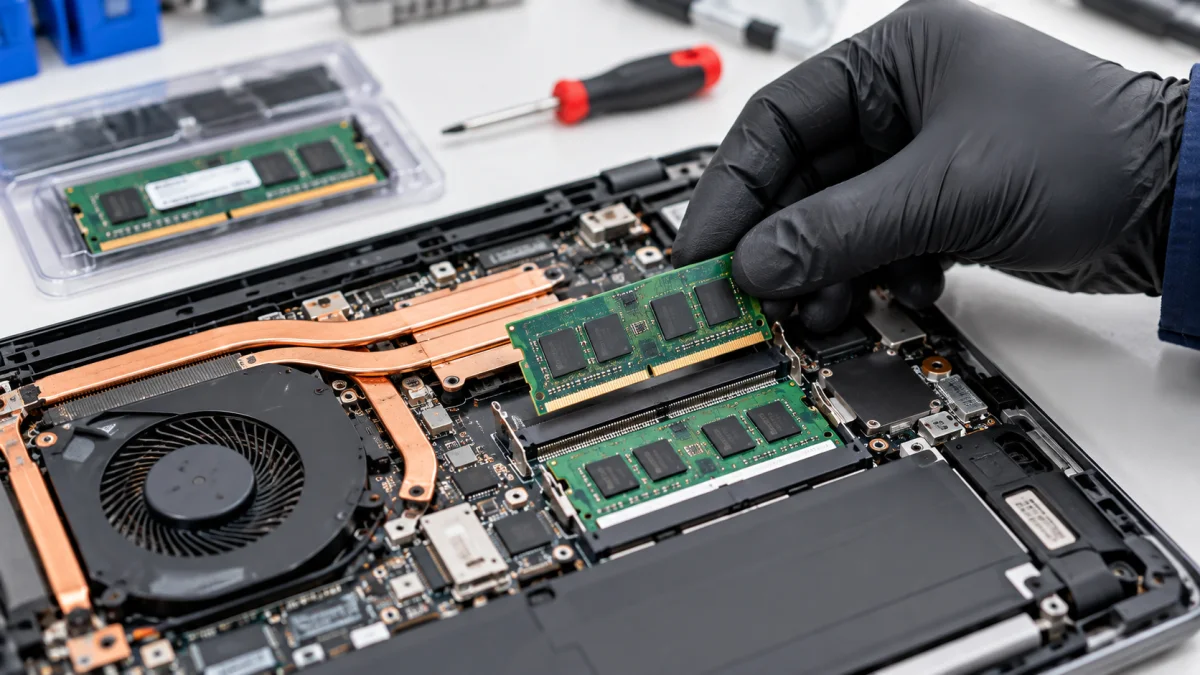
We check memory type, supported capacity and available slots. For laptops, we establish whether memory is replaceable or soldered.
We install a suitable module and check recognition and stability. Recommendations follow your actual tasks; more memory does not automatically speed up every application or game.
Price and what the service includes
The displayed options cover laptop component replacement labour with or without disassembly. RAM modules are priced separately. For desktop PCs, we clarify labour under the component installation service.
What to send or bring
Send the exact model, existing memory and applications used. If you already have a module, send its full part number so we can check compatibility before visiting.
How we handle it
-
01
Discuss tasks and the current configuration.
-
02
Check RAM type, limitations and slots.
-
03
Agree the module and installation needed.
-
04
Check capacity and stable operation.
FAQ
Can every laptop have extra memory?
No. Some models have soldered memory or capacity limits. We check construction before selecting a module.
Does more RAM always mean faster work?
No. It helps when insufficient memory limits your tasks. Drive, CPU or software issues may need another solution.
Can I bring my own module?
Yes. Send the exact part number in advance. Matching capacity alone is not enough to choose suitable memory.