



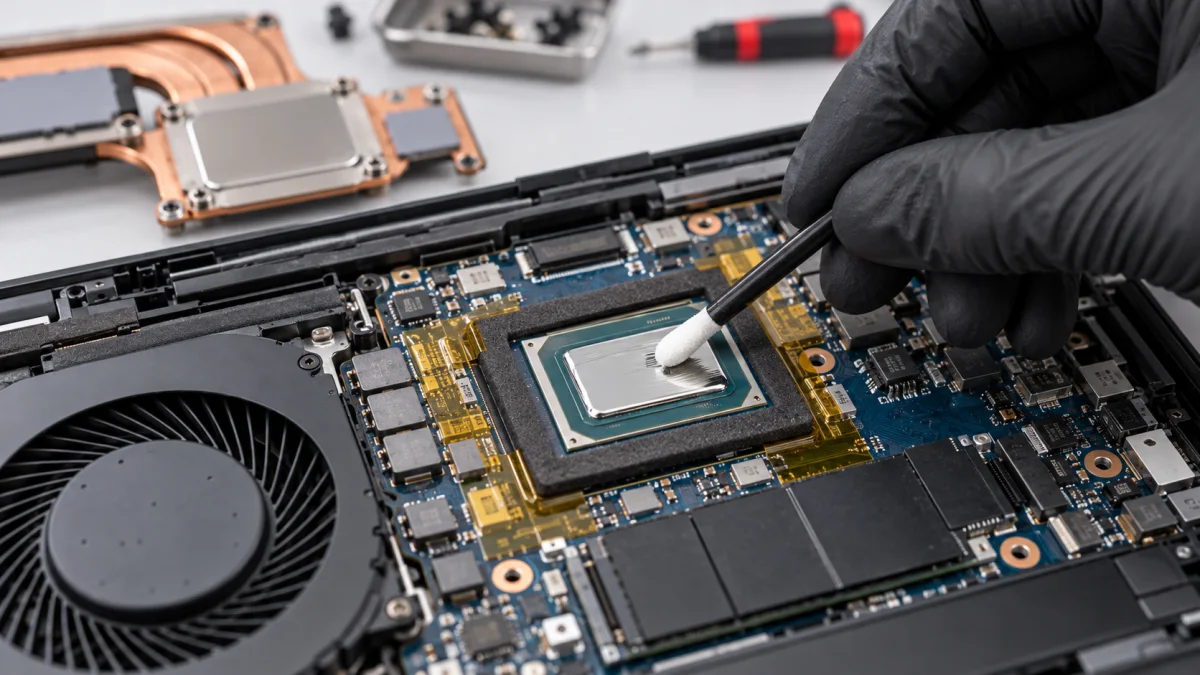
What you can safely check
Send the full model and tell us about previous opening, repairs or servicing. Not knowing which material was used is no barrier to contacting us.
Do not remove the cooler for a photo or add material yourself. Liquid metal needs a compatibility check and design-specific protection, not a generic procedure for every laptop.
How we can help
We inspect cooling, thermal contact and protection around the relevant components. Suitable materials and scope are agreed after inspecting the exact model.
We perform the agreed cleaning and thermal work, then check temperatures and stability. A faulty fan, cooler or another cause requires a separately discussed solution.
Price and what the service includes
The displayed option covers maintenance of a compatible liquid-metal gaming laptop. It does not mean every model can be converted to liquid metal. Extra parts or repairs are agreed before work.
What to send or bring
Tell us the exact model, symptoms and service history. Bring the charger and name the game or application where the issue occurs. You can send the model on Viber before visiting.
How we handle it
-
01
Identify the model and thermal service history.
-
02
Assess compatibility, condition and required protection.
-
03
Perform the agreed cleaning and servicing.
-
04
Test temperatures and stability under load.
FAQ
Is liquid metal suitable for every laptop?
No. Construction, materials and required protection must be assessed for the exact model. We do not offer it as a universal thermal-paste replacement.
What if I do not know the material used previously?
Tell us and send the model. We assess the condition during inspection without expecting you to remove the cooler yourself.
Is this different from standard maintenance?
Yes. Scope and materials are adapted to a liquid-metal model. Standard thermal-paste maintenance has a separate page.