



What you can safely check
Check that the case vents are unobstructed and note whether the noise starts immediately or after use. You do not need to remove the cooler or disassemble the PC.
Documents opening slowly does not prove overheating. The drive, memory or software may be responsible; describe the slowdown too, not just a need for cleaning.
How we can help
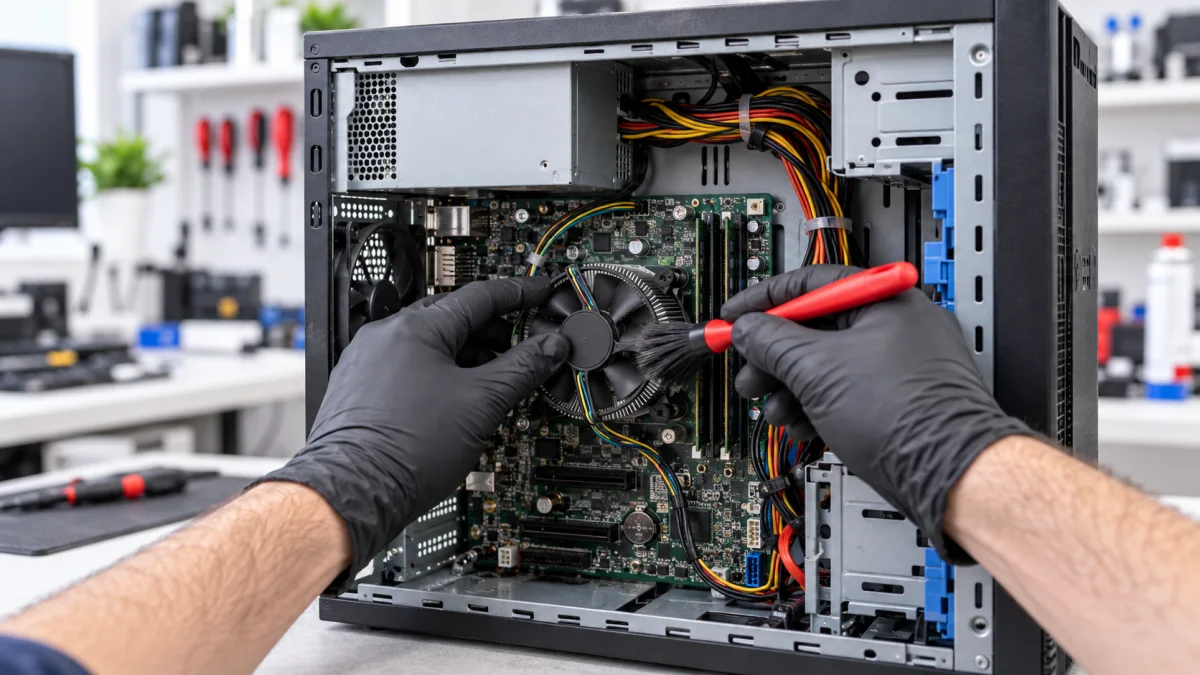
We remove dust from the case, fans and heatsink, service the CPU cooler and replace thermal paste as appropriate to its construction. We check cooling operation and mounting.
After servicing, we check temperatures and behaviour during use. If the fan has a mechanical fault or another issue causes instability, we discuss a separate operation rather than promise a fix through cleaning alone.
Price and what the service includes
This option is for an office PC with a standard CPU cooler. Gaming configurations, water cooling and separate graphics card disassembly have their own services and prices. Additional parts are agreed in advance.
What to send or bring
Tell us the PC model or send a case photo and describe noise, heat or interruptions. We need the case for this service; mention any particular peripheral or software issue before visiting.
How we handle it
-
01
Clarify the configuration and complaint.
-
02
Inspect cooling and dust buildup.
-
03
Clean and service the CPU cooler.
-
04
Check temperatures, noise and normal operation.
FAQ
Will cleaning fix slow Windows?
Only if the slowdown is related to cooling. Drive, memory or Windows issues need different investigation. We can help distinguish the causes.
Do you work on my files during cleaning?
Cleaning is hardware maintenance, not reinstallation or file copying. Any additional data work is discussed separately.
What if the PC has water cooling?
Choose the water-cooling service or send us a photo. Its construction and maintenance needs differ from a standard office cooler.